
TablePro for Linux: the first public beta
TablePro Team
On this page
TablePro for Linux 0.1.0-beta.3 is here. Install it through your package manager, connect to PostgreSQL or MySQL, and start browsing tables or writing SQL. Thanks to everyone who has been waiting for Linux support.
Install the beta
#On Ubuntu 26.04 or 26.10, add the beta PPA:
sudo add-apt-repository ppa:tablepro/tablepro-beta
sudo apt install tablepro
On Fedora 44 and later, enable the beta COPR repository:
sudo dnf copr enable @tablepro/tablepro-beta
sudo dnf install tablepro
On Ubuntu 22.04/24.04 and other distributions, use our beta Flatpak repository:
flatpak install --from https://flatpak.tablepro.app/beta-repo/app.tablepro.TablePro.flatpakref
flatpak run --branch=beta app.tablepro.TablePro
Updates come through apt, dnf or Flatpak. The GitHub pre-release also has .deb, .rpm and Flatpak bundles. Standalone .deb and .rpm files don't update themselves. See the install guide for switching channels.
Browse tables and write SQL
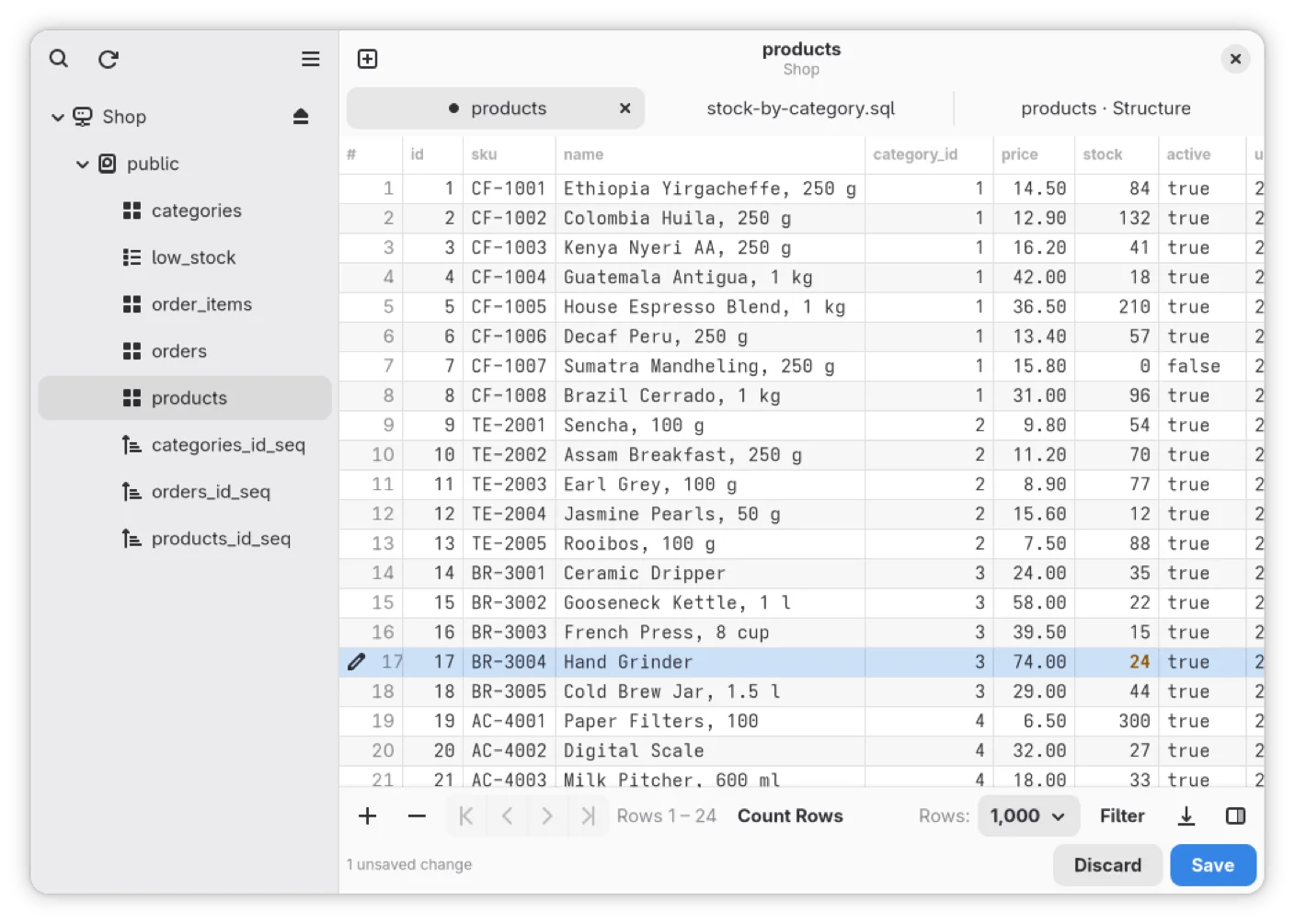
#The grid has filters, sorting, paging and editing in place. Add or delete rows, undo pending edits, and save when you're ready. Some column types are read-only, and editing existing rows requires a primary key.
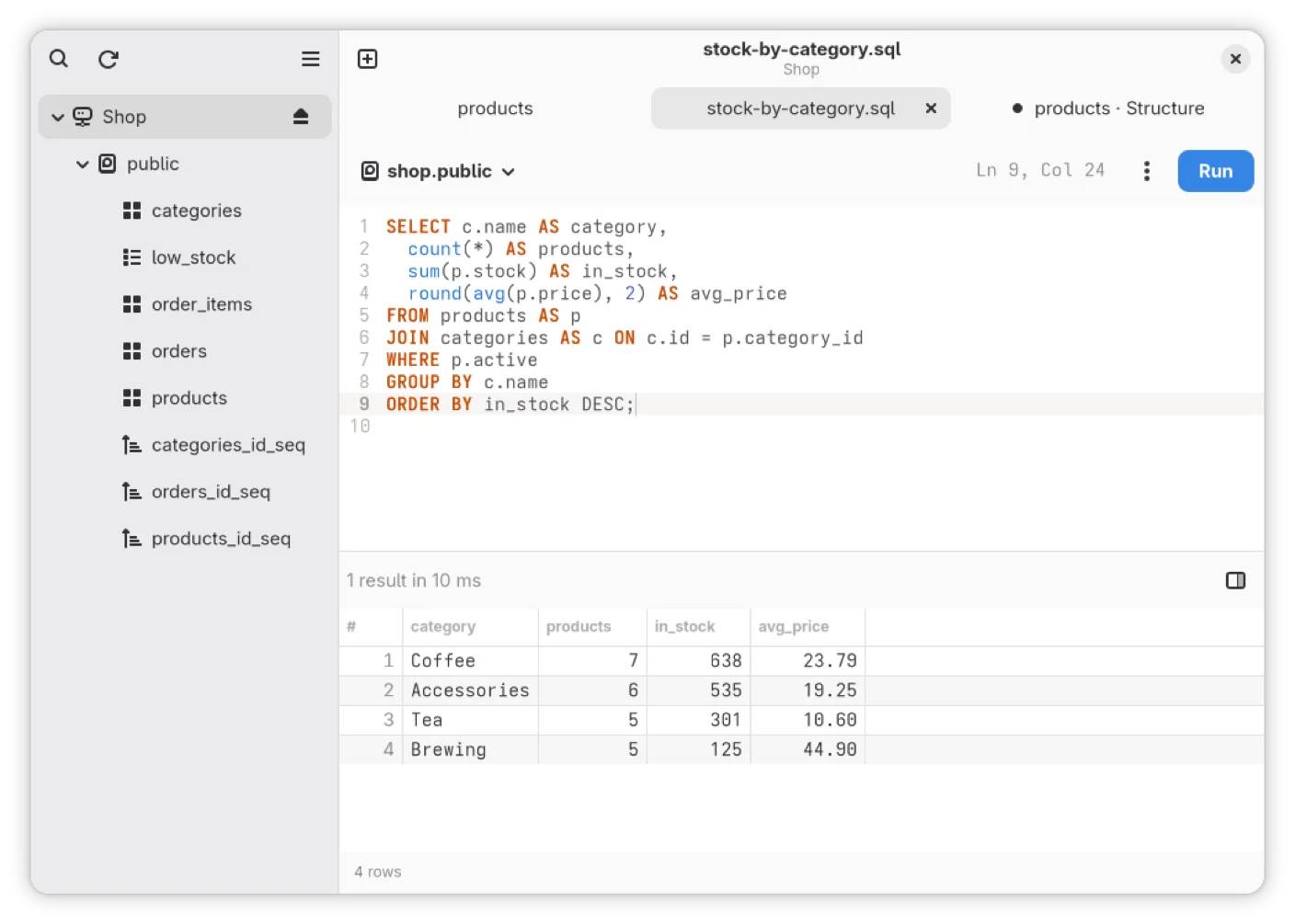
The SQL editor has completion, formatting, find and replace, and a result per statement. Query history is searchable, and you can save queries to use again. Vim keybindings are available in Preferences.
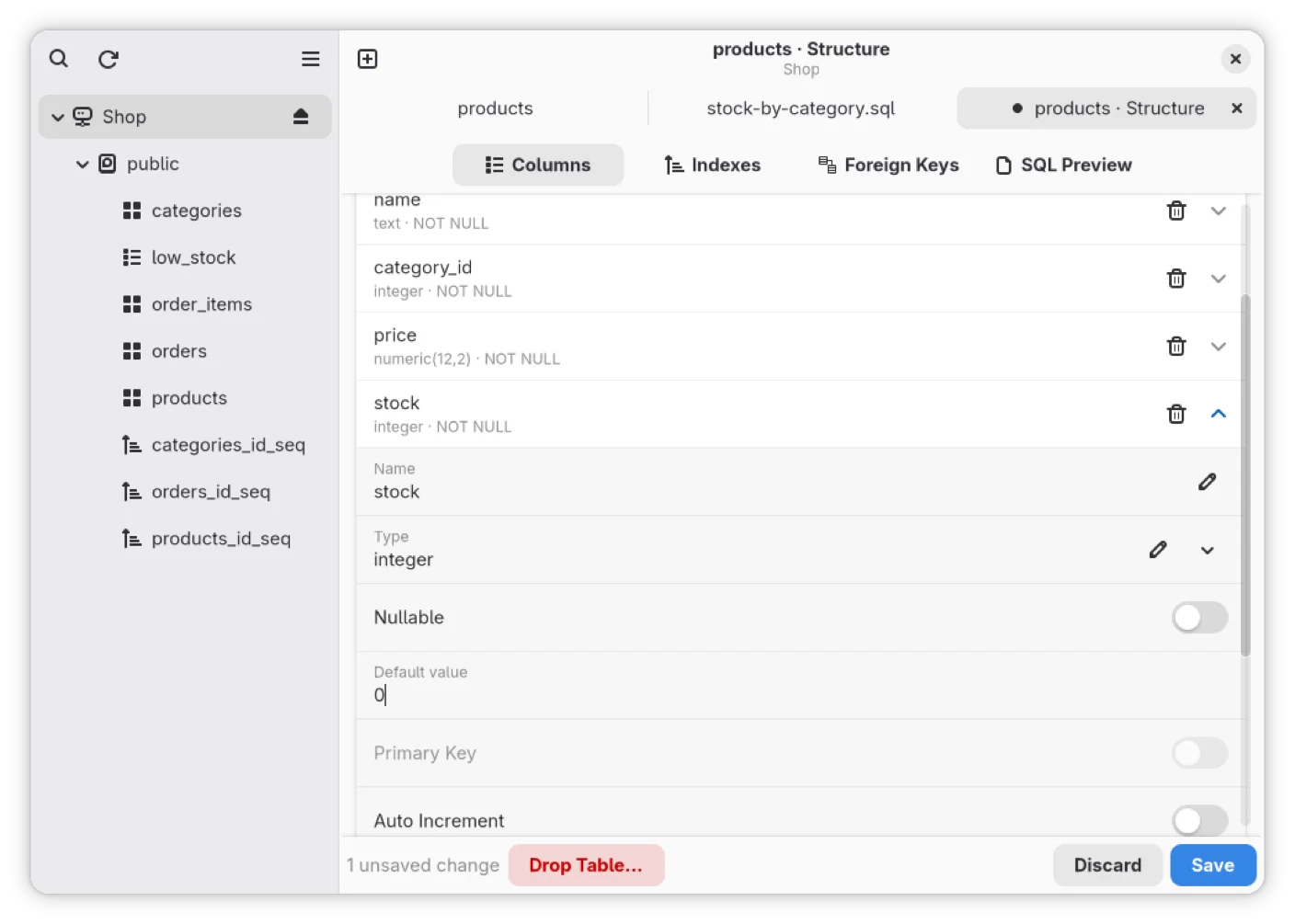
The Structure tab lets you change columns, indexes and foreign keys where the engine supports them. It shows the SQL before running it.
Connect to your databases
#The beta supports PostgreSQL, MySQL, MariaDB, SQL Server, ClickHouse, Cassandra, ScyllaDB, SQLite, DuckDB, Redis and MongoDB. Check the supported server versions for your setup.
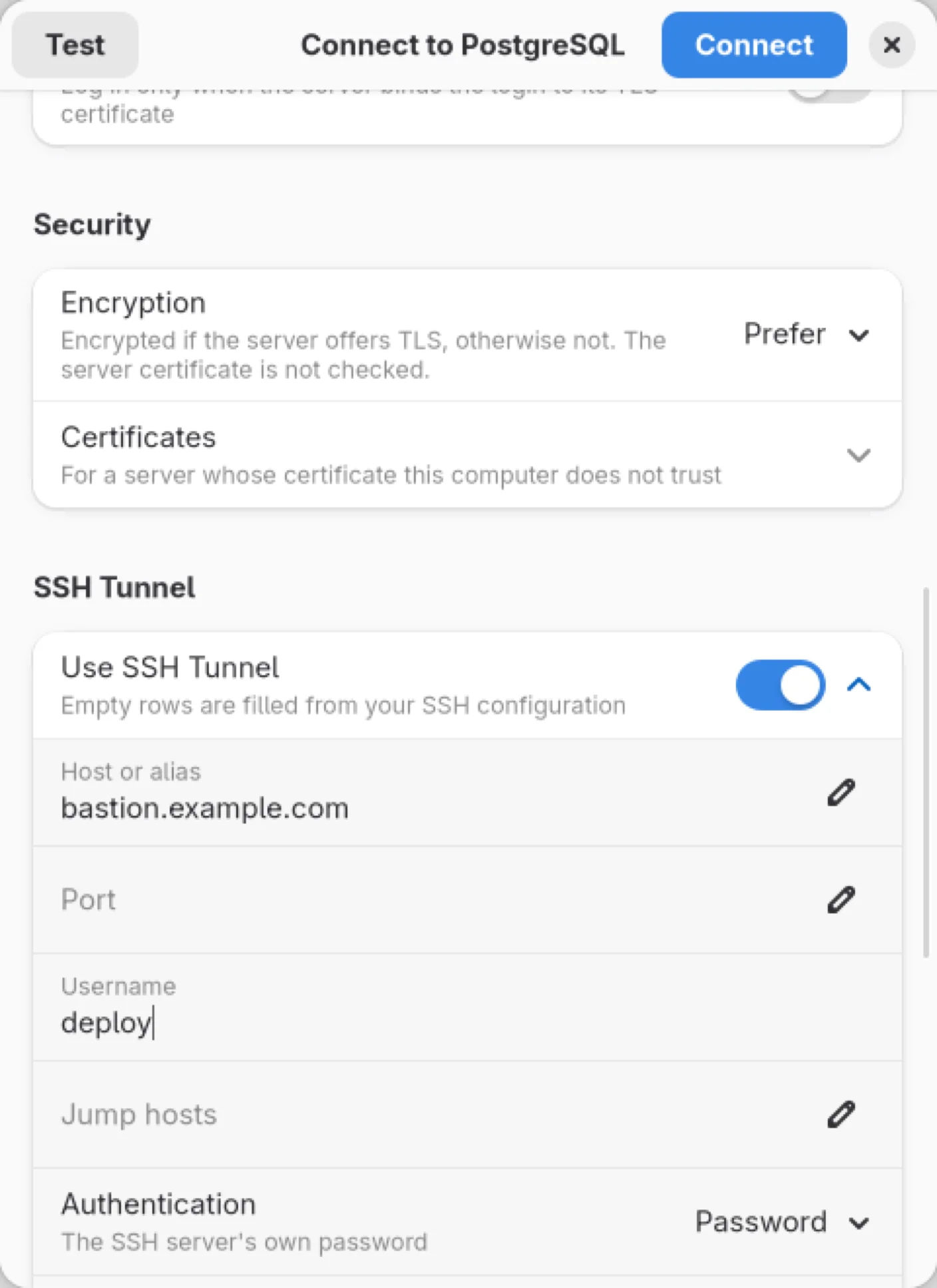
SSH tunnels use system OpenSSH, with your agent, SSH config and jump hosts. TLS options include Verify full, and passwords are kept in the system keyring.
A native GNOME app
#I built the Linux app in Rust with GTK 4 and libadwaita, on the GNOME 50 platform. It uses native widgets and the Adwaita look. Vietnamese is available too.
One license covers up to three devices, Mac or Linux. You can browse tables and write SQL without an account.
Usage data
#Usage data is on by default. Turn it off in Preferences > General > Privacy > Share Usage Data.
Help test it
#This is a beta. If something breaks, please use the GitHub bug template. Include your distro and version, desktop, install source, TablePro and database versions, and steps to reproduce. About TablePro > Troubleshooting has debugging information you can copy into the report.
Thanks for trying it and telling me what needs work.
Related pages
Available for Mac, Linux, iPhone and iPad.
Download