
TablePro 0.68: Compare & Sync, Routines, and a Faster Grid
TablePro Team
On this page
TablePro 0.68 is out: 65 changes, 36 of them fixes.
Two new things you can open, and one old thing that got out of the way.
Compare & Sync
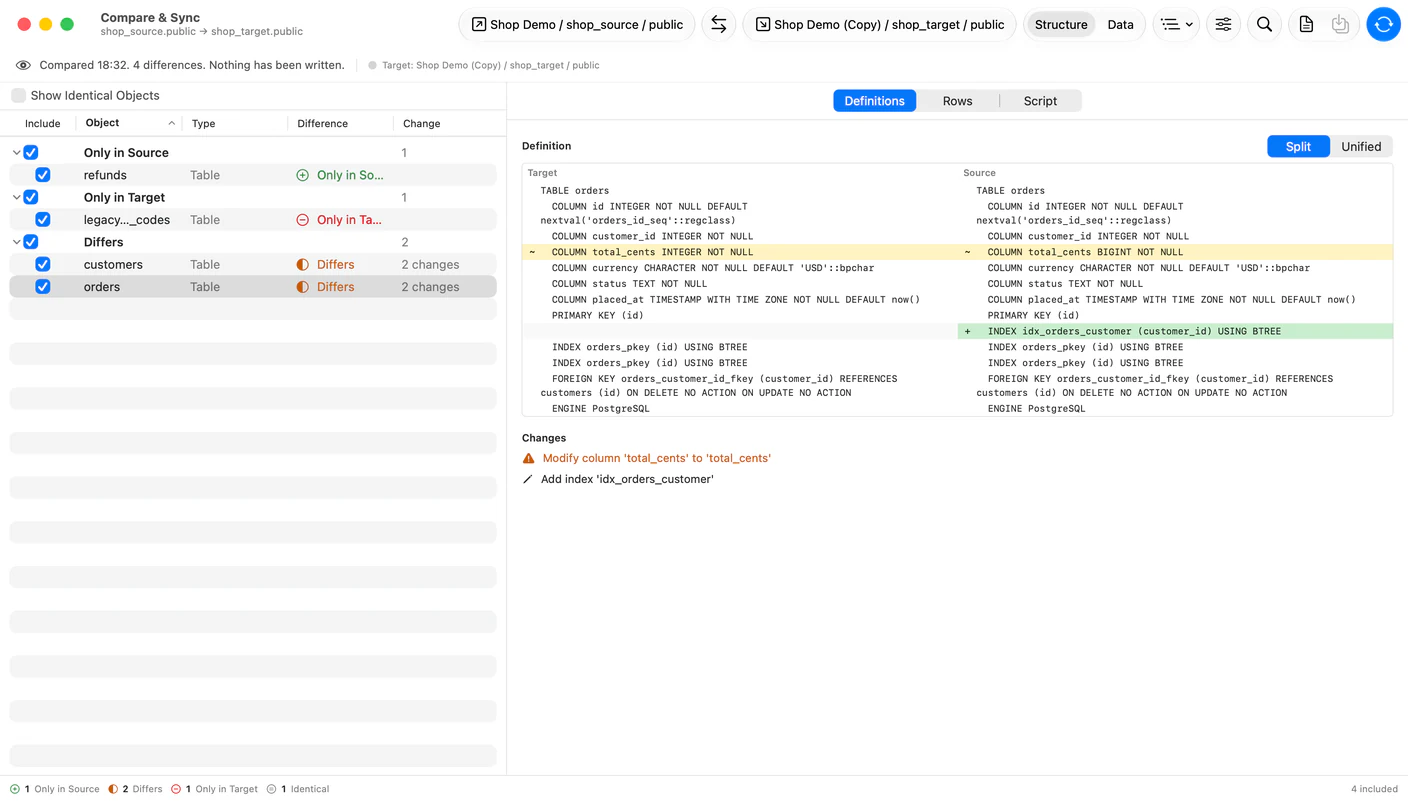
#Database > Compare & Sync Databases… opens a comparison between two connections. It walks tables, views, materialized views, procedures, functions, triggers and sequences, marks what is missing on either side and what differs, and generates the script that makes the target match the source.
Row data compares too. Pick a table and the columns that identify a row, and you get inserts, updates and deletes instead of a schema diff. Review the script before it runs; nothing is applied until you say so.
Structure scripts need matching engines, with MySQL and MariaDB counting as one. Across engines you still get the comparison, but no script. Column types are driver-native strings, and writing one engine's DDL from another engine's metadata is guesswork that would look authoritative.
Needs a license. Both tiers include it.
Procedures, functions and triggers
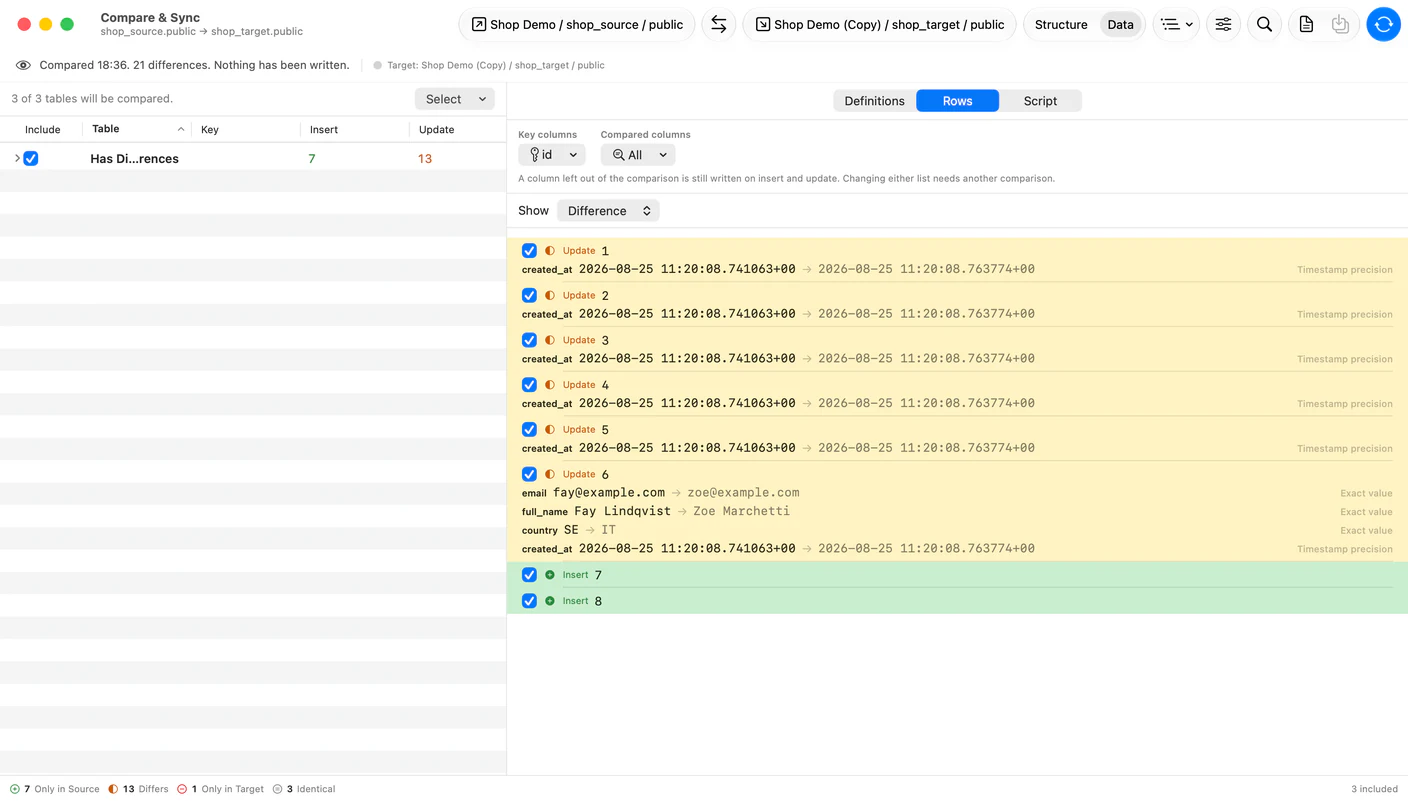
#Triggers get their own sidebar section beside Procedures and Functions, listed per database and schema.
All three now list on MSSQL, Oracle, SQLite, ClickHouse, DuckDB, Snowflake, BigQuery, Cassandra, LibSQL, Cloudflare D1, Teradata and Dameng. Click one and its source opens read-only, with Copy, Export and Open in Editor.
They are in the quick switcher as well. When two routines in a section share a name, the row carries its argument signature, so the overloads are told apart before you open one.
The data grid stopped building views
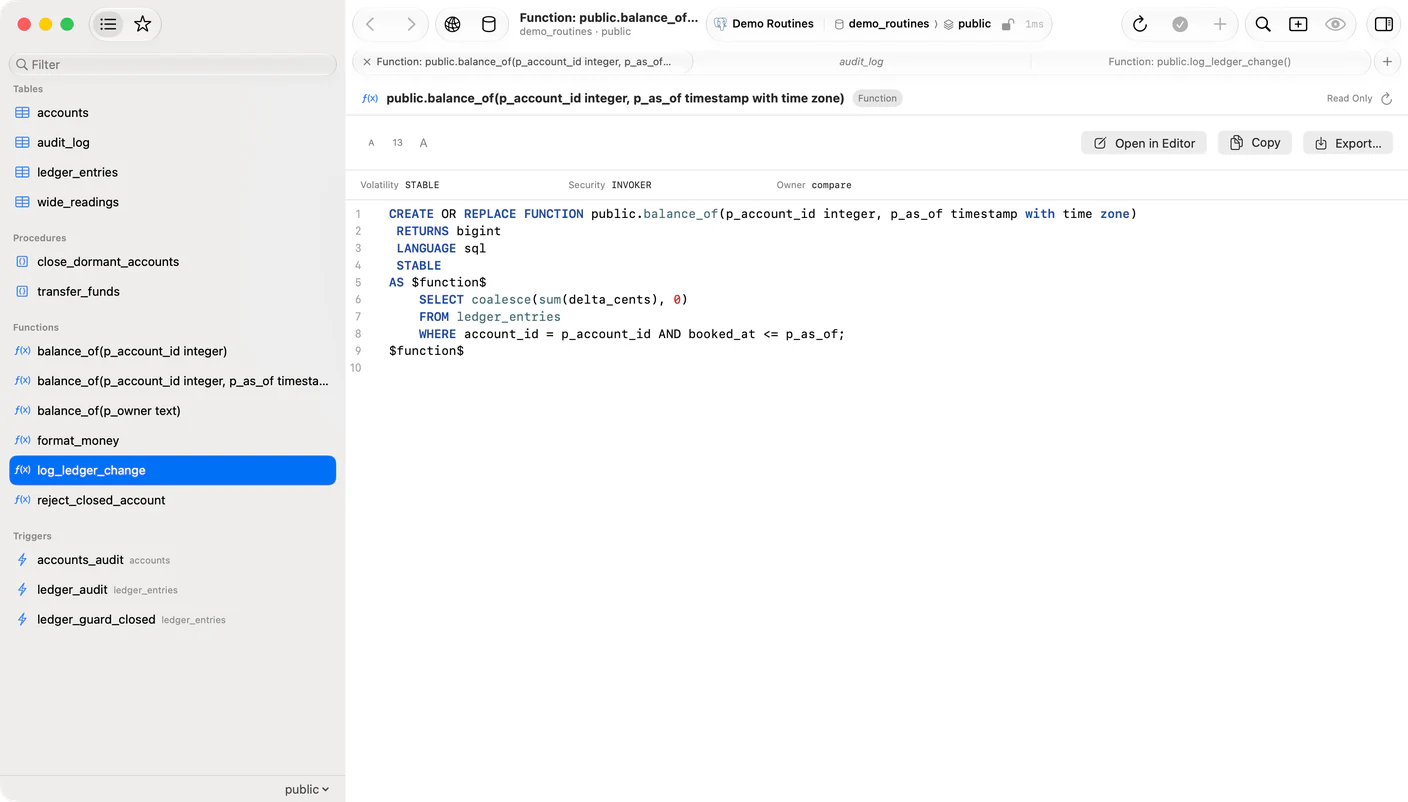
#Open a 500-column table in 0.67 and it pinned a core for 12 seconds and took 837 MB. In 0.68 it opens in 26 milliseconds and takes 3.9 MB.
The grid used to ask AppKit for a view per cell. Now it draws the cells the viewport touches with CoreText, and the whole table holds 26 views instead of 12,500.
Column separators went the same way. NSTableView keeps one separator view per column and re-sorts that list on every layout pass, which cost 518ms a pass on a 500-column result. The grid draws its own separators now, and that pass costs 0.03ms.
The inline editor used to take about a second to open on a wide result, because opening it added a subview and forced one of those passes. Scrolling such a result sideways used to flicker and leave blank columns behind. Find, the arrow keys and Size All Columns to Fit could not reach a column scrolled off the side at all.
Licensing has its own pane
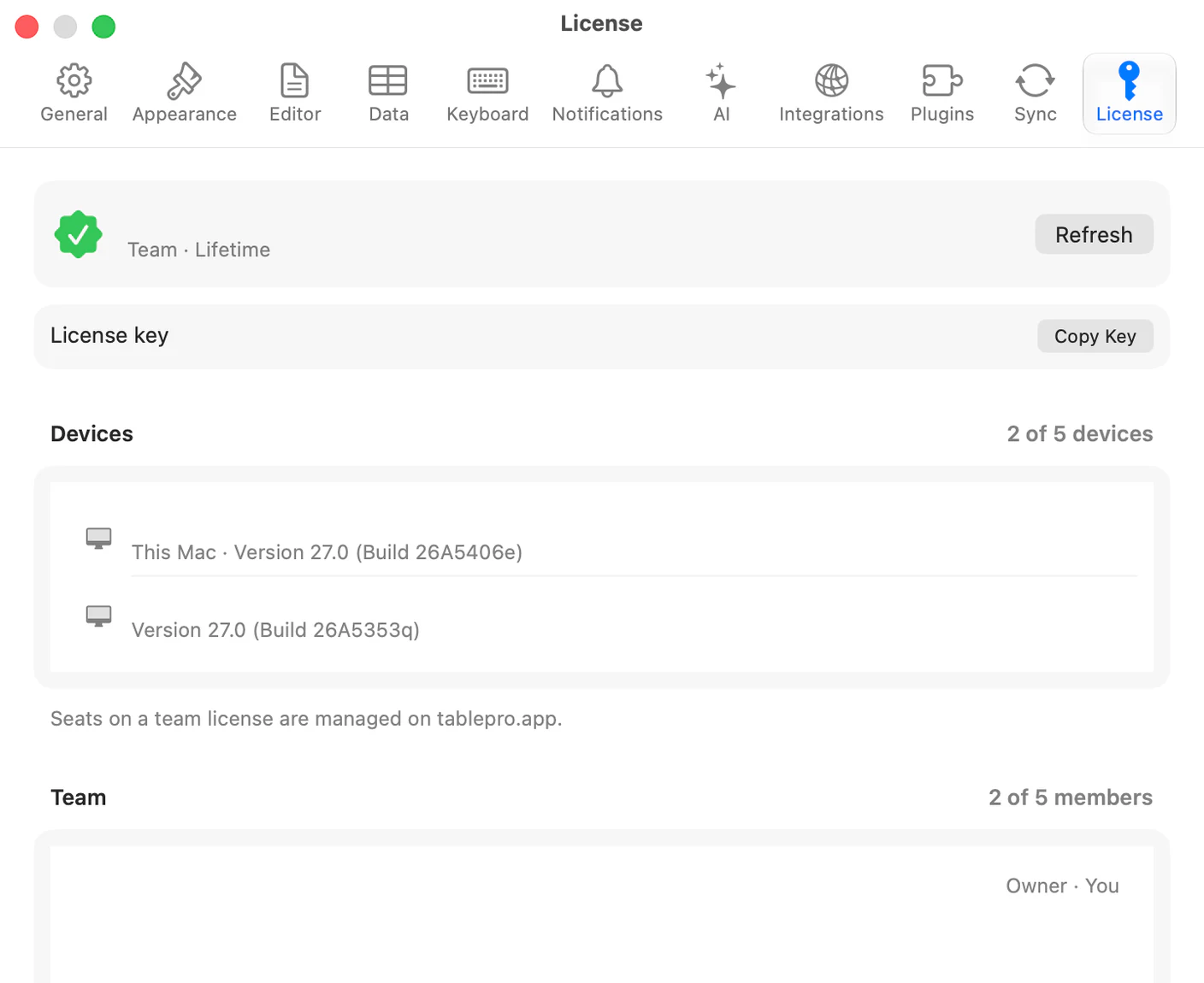
#Settings > Account is now Settings > License and holds licensing alone. iCloud Sync moved to a pane of its own, and Linked Folders to General.
Release a seat on another Mac without going to that Mac. A team license shows the roster, seats used against seats bought, and your role on it. Each activated Mac carries its last use and macOS version.
The key is masked and not selectable, so a screen share cannot carry the whole credential. Copy Key still copies the real thing, and keeps it out of clipboard history.
Also new
#- Compare, a fourth EXPLAIN plan mode, reports what changed against an earlier run of the same query. Pinning a saved plan keeps it through history cleanup.
- Beancount gains read-only tables for
directives, pads, named queries and custom directives, plus account booking, note tags and links, and balance assertion details. - Table load timings are kept locally for 7 days, so you can see which tables are slow. Nothing leaves the Mac.
- MCP clients get a schema-wide
list_triggers, andreturn_typeandlanguageonlist_routines. - Turkish, Vietnamese, Simplified Chinese and Traditional Chinese cover every string that was still in English.
- A database stays in the connections strip until you close its entry. Close ends the connection only on the last one.
What's still missing
#Cross-engine comparison reads but does not write. You get the differences between a PostgreSQL schema and a MySQL one, and no script to reconcile them.
Row comparison needs columns it can key on. A table with no primary key and no unique index has nothing to match rows by.
The routine source viewer is read-only. Changing a procedure still means writing the CREATE OR REPLACE yourself.
Getting it
#TablePro > Check for Updates, or download it.
On MSSQL, Oracle, Snowflake, BigQuery, Cassandra, LibSQL, Cloudflare D1, Teradata, Dameng, DuckDB, Trino or Beancount, update those plugins too. Routines and Compare & Sync ship in the driver.
The full changelog has all 65 entries.
Related pages
Full release notes
Available for Mac, iPhone and iPad.
Download for Mac