TablePro for iPhone and iPad is on the App Store. It is free, there are no in-app purchases, and it needs iOS or iPadOS 18.
It is not the Mac app on a smaller screen. It opens the same connections, and then it does the part of the job that makes sense on a phone: read a table, check a row, run a query you already know you need.
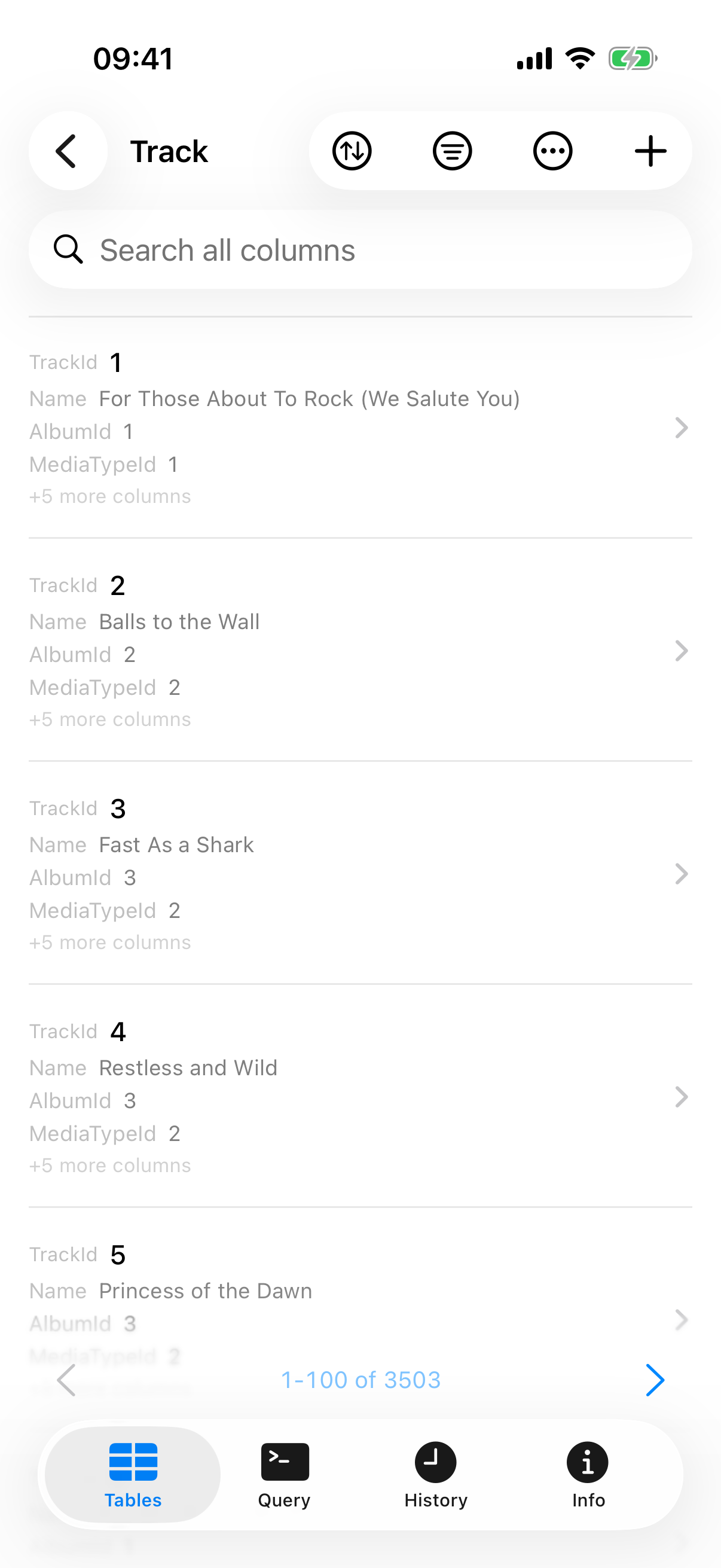
Ten engines, nothing to install
The connection form offers MySQL, MariaDB, TiDB, OceanBase, PostgreSQL, SQLite, DuckDB, Redis, SQL Server and Oracle.
Every driver is compiled into the app. There is no plugin registry here and nothing downloads the first time you pick an engine, which is the opposite of how the Mac app works and the right trade on a device where you may be on cellular and in a hurry.
A Redshift connection made on a Mac opens here too once it syncs across. It is not in the picker, so the phone cannot create one.
The connections you already have
iCloud sync carries connections, groups and tags. It is off until you turn it on. Passwords are a second switch inside it and travel through iCloud Keychain.
Saved queries, SSH profiles and app settings stay on the Mac. Three record types sync from the phone, where the Mac syncs ten.
You can also skip iCloud entirely and open a .tablepro file through Files or AirDrop.
Writing
Open a row full screen, change values, set NULL, save. Insert and delete rows, truncate or drop a table.
On MySQL, MariaDB, TiDB, OceanBase, PostgreSQL, Redshift and Oracle a save runs inside a transaction. SQLite, DuckDB and SQL Server do not report session state to the driver, so a single-statement write there runs without an explicit BEGIN.
Safe Mode is per connection, on the connection form under Organization: Off, Confirm Writes, or Read-Only. Read-Only refuses a write before it reaches the server.
A query you can walk away from
A long query runs in a Live Activity, so you can watch it from the Lock Screen or the Dynamic Island instead of holding the app open. There is a Stop button that works while it runs.
Results copy out as JSON, CSV or SQL INSERT, to the clipboard or the share sheet. There is no file export dialog on the phone.
The rest — browsing, filtering, SSH, SSL, biometrics — is on the iPhone page.
What it will not do
There is no AI chat, no MCP server, no ER diagrams, no Compare & Sync, no Query Insights and no charts. Those are the Mac app and there is no plan to shrink them onto a phone.
There are no saved queries, only per-connection history.
There is no plugin registry, so the ten engines above are the ten engines, full stop. Connections to anything else on your Mac's longer list will sync down and appear in the list, and will not open.
SSH tunnels that need a jump host are refused before they dial. Open those on the Mac.
SQLite and DuckDB read files on the device or in memory. Remote DuckDB is Mac-only.
Getting it
It is on the App Store, free, for iPhone and iPad on iOS or iPadOS 18 or later.
The source is in the same repository as the Mac app, under AGPLv3, in TableProMobile/. The two version separately: the Mac app is on 0.75 and this one starts at 1.0.
Usage data is off until you turn it on, and it never carries hostnames, usernames, passwords, queries or rows.