
MySQL and MariaDB client
Query MySQL and edit rows with SQL previews. Manage users, sessions and backups from the same connection.
Works on Mac, iPhone and iPadDriver comes with the Mac app
Included in Free; paid plans add optional featuresOpen source (AGPL-3.0)
At a glance
- Query language
- SQL
- Driver
- Comes with the Mac appShared with MariaDB, TiDB, OceanBase and Databend
- Connect with
- Host and port, SSH tunnel, SSL/TLS, AWS IAM, Cloud SQL Auth Proxy
- Default port
- 3306
- Minimum version
- 4.1
- iPhone and iPad
- Opens


Connect
Enter a host, port and user, or paste a mysql:// URL. MySQL 8 caching_sha2_password accounts are supported. The database is optional; switching databases keeps the same connection.
New connections start with SSL set to Preferred, which tries TLS first and falls back to plain text only after a failed TLS handshake. Choose Verify CA or Verify Identity with your provider’s certificate for strict checking.
Reach private servers through SSH tunnels, jump hosts, proxies or tunnel commands.
Sign in to Amazon RDS or Aurora with AWS IAM, using a fresh token on each connection. Import instances from AWS, or use the Cloud SQL Auth Proxy for Google Cloud SQL.
Import from Other App reads Sequel Ace favorites. Importing Keychain passwords requires your confirmation.
Query and edit
Autocomplete includes schema names, aliases and CTEs. Run the current statement or a whole script. View EXPLAIN FORMAT=JSON, EXPLAIN FORMAT=TREE and EXPLAIN ANALYZE as diagrams or trees, and compare two plans.
Stage edits and review statements with Preview SQL. Saves use bound parameters and stop on unexpected row counts. Without a primary key, edits match every column.
Every session uses utf8mb4, so emoji and non-Latin text round-trip. For a database whose text an old client wrote through Latin 1, the UTF-8 via Latin 1 encoding reads it the way that client did.
Partitioned tables list their partitions with their bounds, such as VALUES LESS THAN (2024), and table and column comments show in the sidebar and in the grid’s column headers.
Schema
Stage columns, indexes, foreign keys, CHECK constraints and generated columns in the Structure tab. Review DDL before saving. Expression index keys need MySQL 8.0.13 or later.
Routines and triggers appear in the sidebar with their source. The ER diagram draws the schema as a read-only picture you can export as PNG or SQL.
Compare & Sync (Starter) compares MySQL or MariaDB schemas or data and generates a sync script. Changes that could remove data are held back until you include them.
Administer
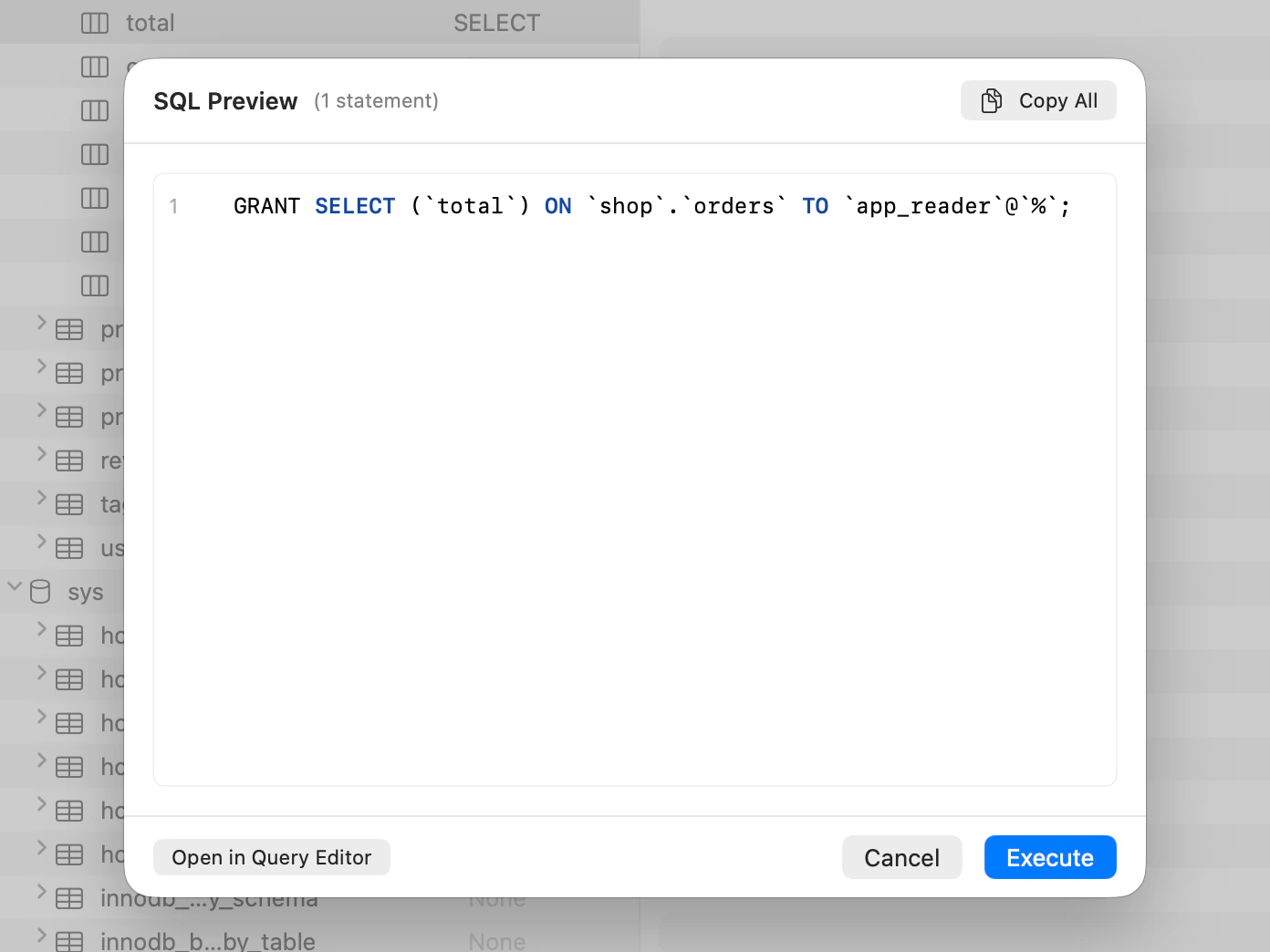
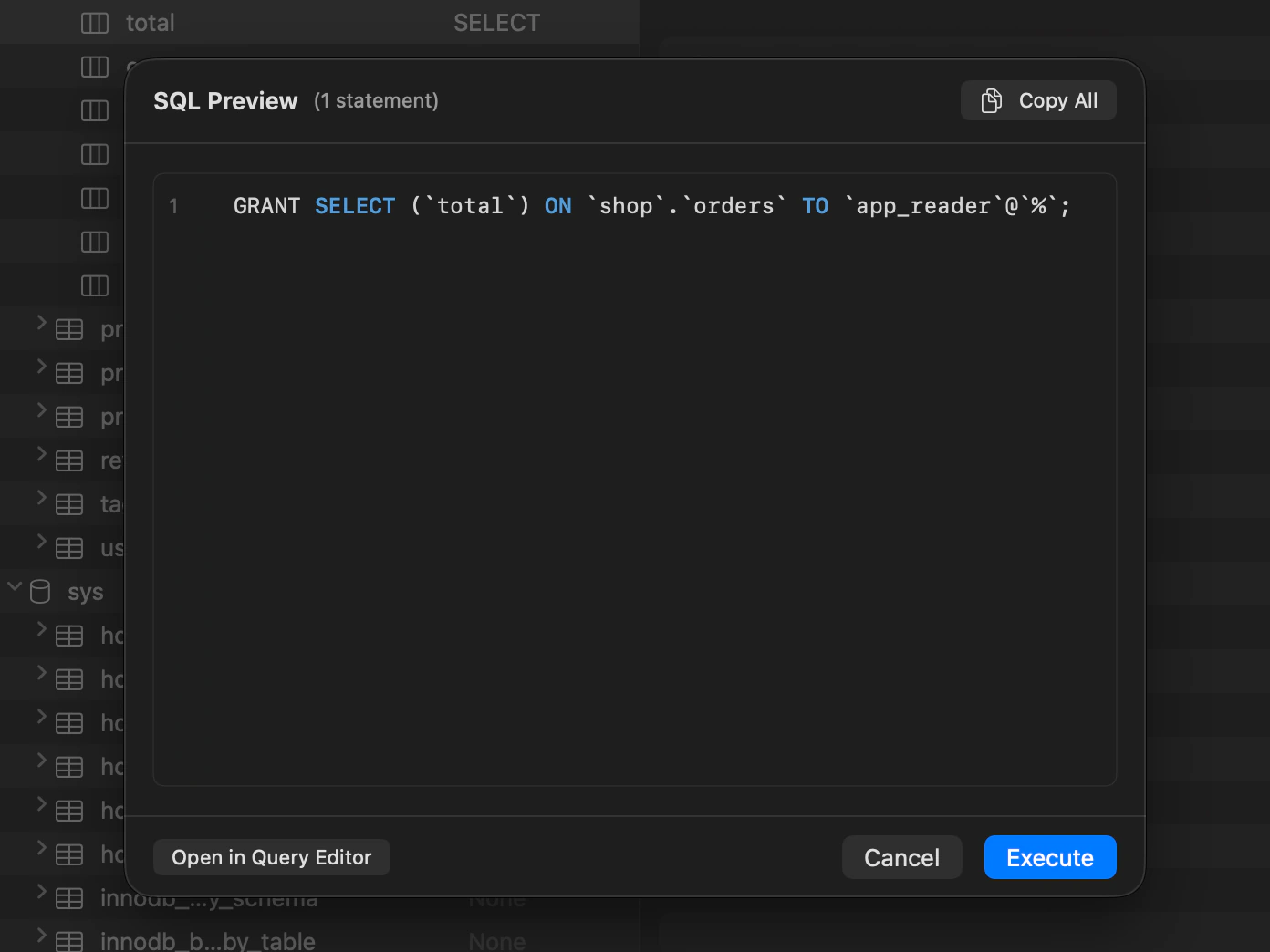
Users & Roles lists privileges down to individual columns. Review staged GRANT and REVOKE statements before applying them.
The Server Dashboard lists sessions, server metrics and slow queries, refreshed every few seconds. It cancels a running query with KILL QUERY or ends a session with KILL. An account without the PROCESS privilege sees only its own sessions.
Table maintenance runs OPTIMIZE TABLE, ANALYZE TABLE, CHECK TABLE and REPAIR TABLE, and shows the statement before it runs.
Backup Dump runs mysqldump and Restore Dump runs the mysql client, both through the connection’s SSH tunnel; install the MySQL client tools on your Mac first. A restore replaces the objects the dump names.
Release idle connections automatically and reconnect on the next query. TablePro keeps sessions with state a reconnect would lose, such as an open transaction or temporary table.
Move data
iPhone and iPad
MySQL is offered when you create a connection in the iPhone and iPad app.
On iPhone and iPad, you browse tables as cards, filter and sort them, edit rows that have a primary key and run SQL in the Query tab. Connections offer SSL from Required to Verify Identity, and SSH tunnels with a password or a key. SSH jump hosts are not supported there.

Limits
- The driver refuses LOAD DATA LOCAL INFILE. Load a file with Import instead.
MariaDB
Default port 3306Comes with the Mac appiPhone and iPad: OpensMinimum version: 10.x
MariaDB connects through the same driver as MySQL, with the same SSH, SSL/TLS and AWS IAM options. A mariadb:// URL creates a MariaDB connection.
JSON columns, which MariaDB stores as LONGTEXT, open in the JSON editor. Virtual and persistent columns are detected and left out of generated INSERT and UPDATE statements. Sequences are listed in the sidebar, read-only, and a system-versioned table is listed as an ordinary table.
Users & Roles, the Server Dashboard, table maintenance and mysqldump backups work as they do on MySQL.
MariaDB limits
- Cloud SQL Auth Proxy is not offered for MariaDB. Reach a private server through an SSH tunnel.
- Users & Roles lists MariaDB roles as users. Create and grant roles with SQL in the editor.
TiDB
Default port 4000Comes with the Mac appiPhone and iPad: OpensMinimum version: None
Point the connection at a TiDB server’s SQL port, never at PD or TiKV. TiDB Cloud uses the same port; set SSL Mode to Required there.
Stop sends KILL TIDB QUERY for your own session. Behind TiProxy or a load balancer, that needs Global Kill, which TiDB turns on by default since version 6.1.
EXPLAIN and EXPLAIN ANALYZE show TiDB’s plan as text. CHECK constraints appear in the Structure tab on TiDB 7.2 and later when the cluster enables them, foreign keys can be created, and table maintenance offers ANALYZE TABLE. Users & Roles works on TiDB, without the connection limit field.
Choose TiDB as the connection type rather than MySQL, so the sidebar, the type picker and EXPLAIN follow TiDB.
TiDB limits
- No triggers, stored routines or events.
- No Server Dashboard and no Backup Dump. Export with TiDB’s Dumpling instead.
- Compare & Sync writes structure scripts between TiDB databases only, not between TiDB and MySQL or MariaDB.
OceanBase
Default port 2881Comes with the Mac appiPhone and iPad: OpensMinimum version: None
Put the tenant in the user name: root@test on an observer, or root@test#obcluster through OBProxy, which listens on port 2883.
Connecting checks that the server reports itself as OceanBase, so a wrong host or port fails at once. TablePro’s query timeout replaces OceanBase’s own statement limit.
EXPLAIN shows the plan as text. A table without a primary key is edited by matching every column, and a save that would change more than one row, or none, stops and says so.
Choose OceanBase as the connection type: a connection saved as MySQL that reaches OceanBase gets none of this.
OceanBase limits
- Only MySQL-mode tenants connect. Oracle-mode tenants are refused.
- No Server Dashboard and no Backup Dump.
- Compare & Sync writes structure scripts between OceanBase databases only, not between OceanBase and MySQL or MariaDB.
Databend
Default port 3307Comes with the Mac appiPhone and iPad: Does not openMinimum version: None
Databend connects through its MySQL handler, not its HTTP API. Choose Databend as the connection type; a MySQL connection that reaches a Databend server is refused and asks you to change the type.
On Databend Cloud, ask Databend support to turn on the warehouse’s MySQL endpoint, then copy the host and port from its Connect dialog.
The Structure tab edits columns and CHECK constraints and renames tables, views and columns. EXPLAIN and EXPLAIN ANALYZE show the plan as text, and table maintenance offers ANALYZE TABLE.
ARRAY, MAP and TUPLE cells cannot be written from text. Change them with an UPDATE in the editor.
Databend limits
- Databend has no indexes, primary keys or foreign keys, so a row edit matches on every column, and a save that would change more than one row is refused.
- Compare & Sync is not available.
- No URL scheme opens a Databend connection. Create it in the connection form.
- Not available on iPhone and iPad.
Other tools
Sequel Ace
Version 6.0.2, released October 4, 2026FreeOpen source (MIT)Platforms: Mac
Sequel Ace focuses on MySQL and MariaDB on Mac. Its MCP server is off by default and read-only unless changed. It has no AI chat.
Sources: Sequel Ace repository, Sequel Ace releases, Sequel Ace MCP server, Sequel Ace, Migrating from Sequel Pro
MySQL Workbench
Version 26.7, released September 10, 2026FreeOpen source (GPL-2.0)Platforms: Mac, Windows and Linux
MySQL Workbench is Oracle’s MySQL tool. The current generation uses MySQL Shell and SQL notebooks; Oracle no longer maintains the previous generation.
Sources: MySQL Workbench, MySQL Workbench downloads, Introducing MySQL Workbench 26, MySQL Workbench 8.0 release notes, MySQL Workbench administration
phpMyAdmin
Version 5.2.3, released October 8, 2025FreeOpen source (GPL-2.0)Platforms: Web
phpMyAdmin runs on a web server and is included in cPanel. It can reach databases available through hosting panels that do not allow desktop connections.
Sources: phpMyAdmin, phpMyAdmin downloads, phpMyAdmin repository, phpMyAdmin in cPanel, phpMyAdmin installation and hardening, Adminer
HeidiSQL
Version 12.21, released August 3, 2026FreeOpen source (GPL-2.0)Platforms: Windows, Linux and Mac
HeidiSQL is an open-source database client with Windows and macOS apps.
Sources: HeidiSQL, HeidiSQL download, HeidiSQL repository, HeidiSQL releases
More comparisons
Facts about other tools checked October 8, 2026.
Questions about MySQL
Can TablePro connect through a local MySQL socket?
Yes, for a server on this Mac. Set Connect Using to Socket and enter the path of its socket file. Host and port leave the form, and an SSH tunnel cannot reach a socket file.
Do I need the MySQL client tools installed?
Only for Backup Dump and Restore Dump, which run mysqldump and mysql. Connecting, querying and editing use the driver that comes with the app.
Can I design a schema in the ER diagram?
No. The ER diagram is a read-only picture of the schema that you can export. Change tables in the Structure tab or with SQL.
Get TablePro
Requires macOS 13 Ventura or later


Free, with no in-app purchasesRequires iOS and iPadOS 18 or later